
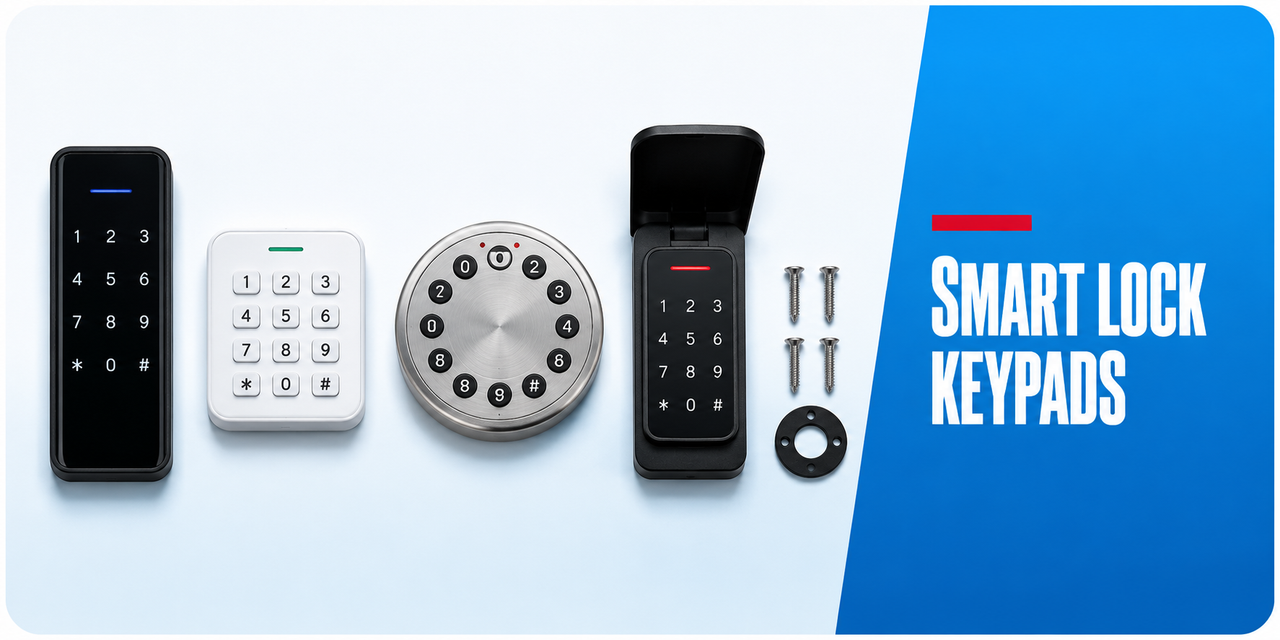
Keypads for Smartlocks
 Smart Lock Keypads
Jump to the product listings ↓
Keypads that add PIN entry to a lock that does not have one built in, or put the entry point somewhere more convenient than the door itself. Wireless models pair to the lock over its own radio and mount separately, which is useful on glass doors, gates and doors where the lock body sits awkwardly.
What to check before ordering
- Compatibility — keypads pair only with locks on the same platform. There is no universal keypad.
- Mounting — surface fixed to a wall, jamb, gate post or glass. Check the supplied fixings suit the substrate.
- Range — wireless keypads have a stated maximum distance from the lock, and masonry reduces it.
- Weather rating — a keypad mounted away from the door is often more exposed than the lock. Check the IP figure.
- Power — separate batteries from the lock, with their own replacement interval.
- Code capacity — usually shared with the lock, but confirm on the product page.

A wireless keypad is often the neatest answer on a frameless glass or gate installation, because the lock can sit where it fits mechanically while the keypad sits where people can reach it. The mechanical digital range includes keypad-only units that need no power at all. Retrofit kits and keypad-only units.
 Related categories
PIN Code Smart Locks · Frameless Glass Doors · External Gates · All Accessories · Digital Mechanical Locks
 Common questions
Will any keypad work with my lock?
No. Keypads pair to a specific lock family or platform. Check the compatibility list on the product page against your exact lock model before ordering.
No. Keypads pair to a specific lock family or platform. Check the compatibility list on the product page against your exact lock model before ordering.
How far from the lock can a wireless keypad be mounted?
Each model states a maximum range, typically several metres in open air. Brick, render and metal all cut that distance, so allow margin rather than working to the published maximum.
Each model states a maximum range, typically several metres in open air. Brick, render and metal all cut that distance, so allow margin rather than working to the published maximum.
Will a wireless keypad survive outdoors?
Only with a stated IP rating. A keypad on a gate post or an exposed wall sees more weather than the lock it pairs with, so treat IP65 as the working minimum outdoors. IP ratings explained.
Only with a stated IP rating. A keypad on a gate post or an exposed wall sees more weather than the lock it pairs with, so treat IP65 as the working minimum outdoors. IP ratings explained.
 Guides and reference
Ch 03 — PIN code access · Ch 12 — Installation and troubleshooting · Ch 14 — Passcode types · Ch 16 — Mechanical digital locks